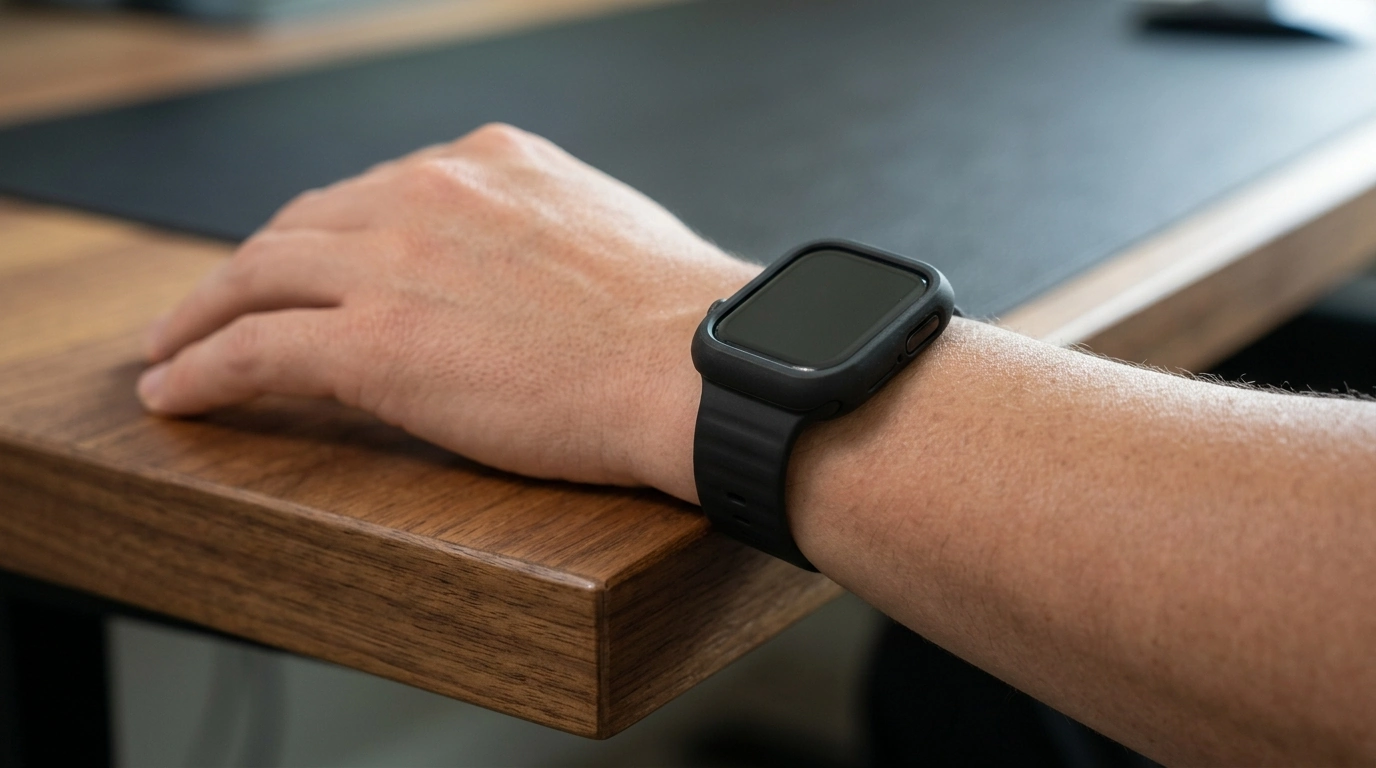
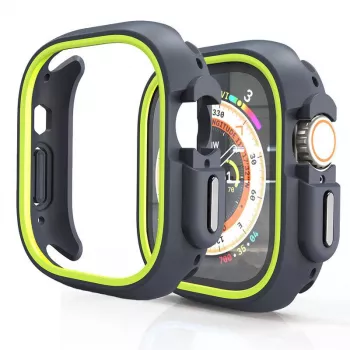
A slim bumper case can prevent the most common Apple Watch damage—edge scuffs, corner dings, and daily abrasion—without changing how the watch feels on the wrist. This TPU protective case with a silicone-style bumper profile is designed to add a flexible, shock-absorbing barrier around the watch body while keeping buttons and the Digital Crown accessible. If your watch regularly meets door frames, gym machines, desk edges, or countertop corners, a TPU bumper is one of the simplest upgrades you can make for day-to-day peace of mind.
Bumper cases are built for the hits and rubs that happen around the perimeter of the watch—exactly where most wear shows up first. By wrapping the frame with a soft, resilient layer, a TPU bumper can help slow down cosmetic damage and soften minor impacts that would otherwise land on the watch body itself.
If you want the screen to stay pristine, pairing a bumper with a display protector (film or tempered glass) is typically the most practical approach—especially if your watch is exposed to sand, grit, or frequent contact with hard surfaces.
TPU (thermoplastic polyurethane) is popular for watch cases because it lands in the sweet spot between rigid plastic and ultra-soft silicone. It flexes enough to install easily, but it still holds its shape to keep a secure fit around the watch body. The result is a case that feels low-profile while adding real cushioning where it counts.
For people who dislike bulky, armored cases, a TPU bumper is a comfortable middle ground: it keeps the original Apple Watch look largely intact while adding a subtle, functional layer of protection.
The best bumper cases don’t just “fit”—they keep the watch enjoyable to use. That means responsive buttons, smooth Digital Crown operation, and full compatibility with your favorite bands. A well-designed bumper should feel like it belongs on the watch, not like an obstacle.
After installing, rotate the Digital Crown, tap the side button a few times, and check that your bands slide in and “click” securely. If anything feels tight or mushy, reseat the bumper corners until they’re fully pressed into place.
Not all protection styles solve the same problem. Some prioritize keeping the screen flawless; others focus on preventing frame dings. The right choice depends on where and how you use your Apple Watch.
| Option | Best for | Trade-offs |
|---|---|---|
| TPU bumper case | Everyday knocks and edge scuffs | Display remains unprotected |
| Full cover case | All-around coverage including the screen | May affect touch/clarity; can trap moisture if not removed to clean |
| Screen protector (film/glass) | Scratch resistance on the display | Edges and frame still exposed without a bumper |
| Bumper + screen protector | Balanced protection for daily wear and active use | Slightly more setup; needs periodic cleaning |
For higher-risk environments—like weight training, hiking over rocky terrain, or hands-on work—combining a TPU bumper with a screen protector is often the most balanced setup.
For official care guidance, Apple provides step-by-step instructions on cleaning the watch safely: Apple Support: How to clean your Apple Watch. For deeper usage and feature details that can affect how you handle and wear the watch, see the Apple Watch User Guide.
No. A bumper case mainly protects the frame and edges, while the display remains exposed to direct scratches or cracks. If you want screen protection, add a film or tempered-glass screen protector.
A well-fitted bumper should not interfere with the Digital Crown or side button. After installation, confirm the crown rotates smoothly and the side button clicks normally; reseat the corners if anything feels restricted.
Remove the case periodically, wipe away sweat and debris with a soft cloth, and let everything dry completely before reinstalling. If you rinse the case, dry it thoroughly and follow Apple’s cleaning guidance for the watch body.




Leave a comment