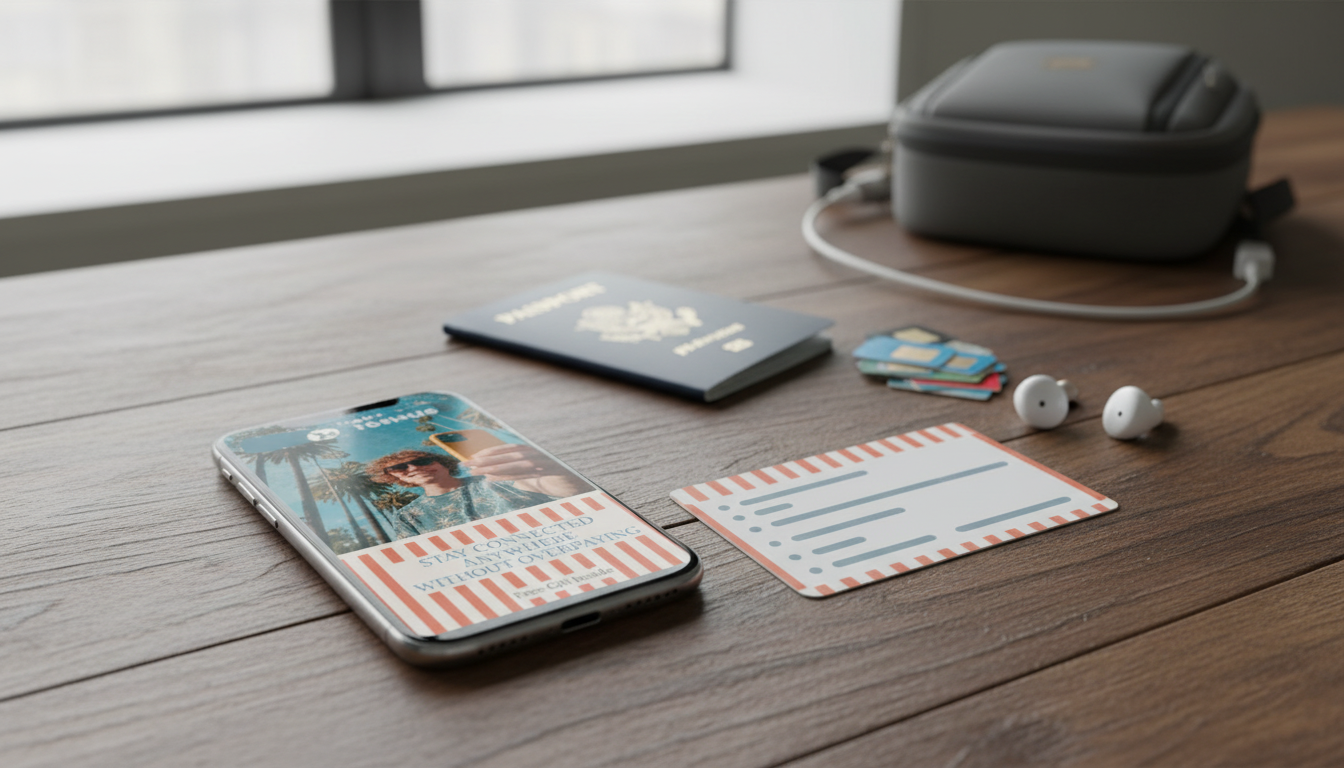
Reliable mobile service on a short trip usually comes down to three decisions: keep the home plan (and manage roaming), use an eSIM (often the fastest path to affordable data), or buy a local SIM (typically the best way to get a true local number). The sections below break down when each option makes sense, what to buy before departure, and a practical checklist to avoid surprise fees or activation headaches.
Before buying anything, define what “connected” means for this specific trip. A plan that’s perfect for city navigation can be totally wrong if you’ll be hotspotting a laptop or taking work calls.
If you’re unsure about eSIM basics, the GSMA’s overview is a solid primer: GSMA — eSIM. For iPhone-specific steps, Apple’s guide is clear and current: Apple Support — Use an eSIM on iPhone.
There’s no universal “best” option—only the best match for your trip. Use the comparison below as a quick filter, then fine-tune based on whether you need a local number, how many countries you’ll visit, and how much setup time you can tolerate.
| Option | Best for | Pros | Watch-outs |
|---|---|---|---|
| Home carrier roaming | 1–3 days or business travel | No new setup, keeps home number | Bill shock, speed throttling, limited hotspot |
| Travel eSIM (data) | Fast setup + multi-country travel | Instant activation, keep home SIM, flexible top-ups | Often data-only (no local number), device must support eSIM |
| Local SIM (with number) | Local calls/SMS + best value | Local number, strong local network access, low cost/GB | Requires unlocked phone, may need ID, store hours/activation time |
If you’re tempted to just roam and “deal with it later,” it helps to know what consumer protections and typical roaming pitfalls look like. The FCC’s consumer guidance is a good reality check before you travel: FCC — International Roaming.
| Step | What to verify | Why it matters |
|---|---|---|
| Plan type | Voice + SMS included | Ensures you get a real local number for calls and texts |
| Top-up method | App, voucher, or card payment supported | Avoid being stranded without a refill option |
| APN settings | Data works without manual edits (or get APN details) | Prevents “bars but no internet” issues |
| Account details | SIM ICCID/phone number written down | Helps with support and account recovery |
| Roaming settings | Data roaming off/on as needed | Avoid accidental roaming charges on the wrong SIM |
| Setting | Recommended default | Adjustment notes |
|---|---|---|
| Default Cellular Data | Travel eSIM | Prevents home SIM data roaming charges |
| Data Roaming (Home SIM) | Off | Turn on only if intentionally roaming |
| Wi‑Fi Calling | On (if supported) | Can help keep your home number reachable over Wi‑Fi |
| Low Data Mode / Data Saver | On (optional) | Extends plan limits on smaller data packages |
| Hotspot | Off by default | Turn on only if your plan allows tethering |
| Test | What success looks like | If it fails |
|---|---|---|
| Data | Web page loads on cellular | Check APN, toggle airplane mode, reboot, confirm plan activated |
| SMS | Text sends/receives | Verify SMS included; check default line; confirm number registration |
| Calls | Outbound call connects | Confirm voice plan; check dialing format with country code |
| Apps | Maps + messaging work | Disable VPN temporarily, update carrier settings, verify time zone/clock |
A single reference can reduce last-minute decisions: what to buy, how to install it, and which settings prevent surprise charges. For travelers who want a structured plan, Stay Connected Anywhere Without Overpaying | Digital Travel Guide | how to get a local phone number for short trips | Smart SIM, eSIM & Data Setup Checklist is designed as a practical, step-by-step setup checklist for short trips.
To round out trip prep beyond connectivity, these in-stock digital picks can also help you streamline your packing and travel-day decisions: Capsule Wardrobe Builder Kit | How to Build a Capsule Wardrobe 3-in-1 Guides and Levi’s Men’s Blue Slip-On Jeans with Worn-Out Effect.
Many travel eSIM plans are data-only, so they won’t provide a local number for traditional calls and SMS. Some providers do offer eSIMs with voice/SMS in certain countries, but availability varies; if a true local number is required, a local physical SIM is often the most reliable option.
Financing doesn’t automatically mean your phone is locked or unlocked—the deciding factor is the SIM-lock status. Check your device settings or ask your carrier directly, and request an unlock well before departure if needed.
For light use (maps, messaging, email), 1–3 GB is often enough; typical mixed use usually lands around 3–7 GB. If you’ll hotspot, video call, or stream, plan for 10+ GB, and download offline maps and media on Wi‑Fi to reduce cellular usage.




Leave a comment