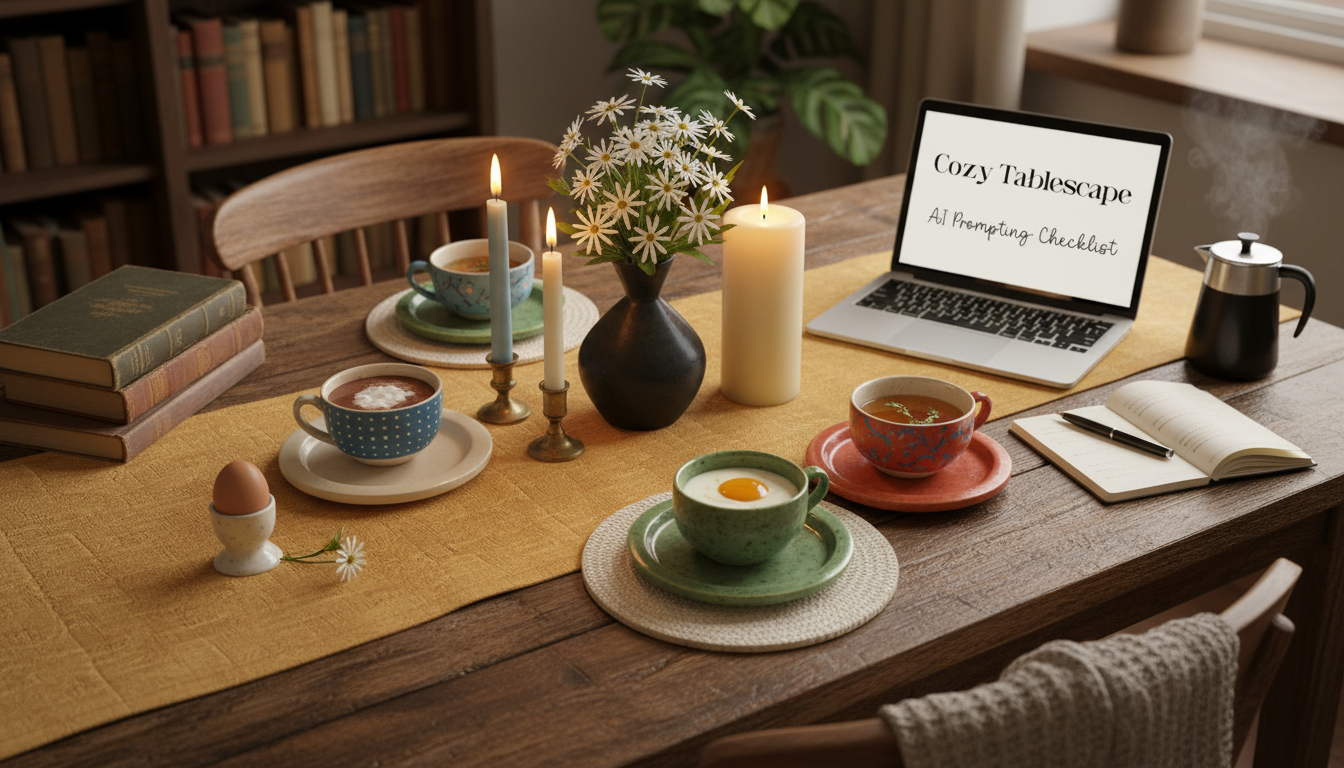
For quick room makeover ideas, RoomGPT is a useful place to start. Upload a photo, choose a design direction, and use the generated concepts to explore color palettes, furniture styles, and overall mood. Its free access may be limited, and pricing or available features can change, so treat it as a tool for trying ideas rather than a guaranteed unlimited design service.
Choose it when you want inspiration from a photo of a room you already have. Try a clear image taken in daylight, then compare a few distinct styles instead of making several tiny prompt changes. Keep the room’s fixed features—such as windows, flooring, and built-ins—in mind, since an AI concept may alter details that are difficult or expensive to change in real life.
Use a room-planning tool such as Planner 5D to map a layout and visualize furniture placement. Its free features can be useful for basic planning, but AI capabilities and plan limits may differ by platform or account. Before committing to a project, confirm that the features you need are included at no cost.
Start with one room and a specific goal, such as making a small living room feel brighter or giving a bedroom a warmer palette. Save the best concepts, then turn them into a short shopping list. Compare dimensions, materials, and actual product colors before buying; generated images are mood boards, not reliable measurements or exact product previews.
Yes. Ask for a seasonal palette or a decorating concept that works with items you already own, then adapt the suggestions to your space and budget. For a cozy seasonal table, pair the room’s colors with a simple centerpiece and coordinating linens. Our AI cozy seasonal tablescape checklist offers a practical way to bring that look to your dining area.
Give the tool your preferred season, color palette, and the pieces you already own, then use its ideas to guide your centerpiece, linens, and place settings. Treat the result as inspiration and adjust it to fit your actual table.






Leave a comment