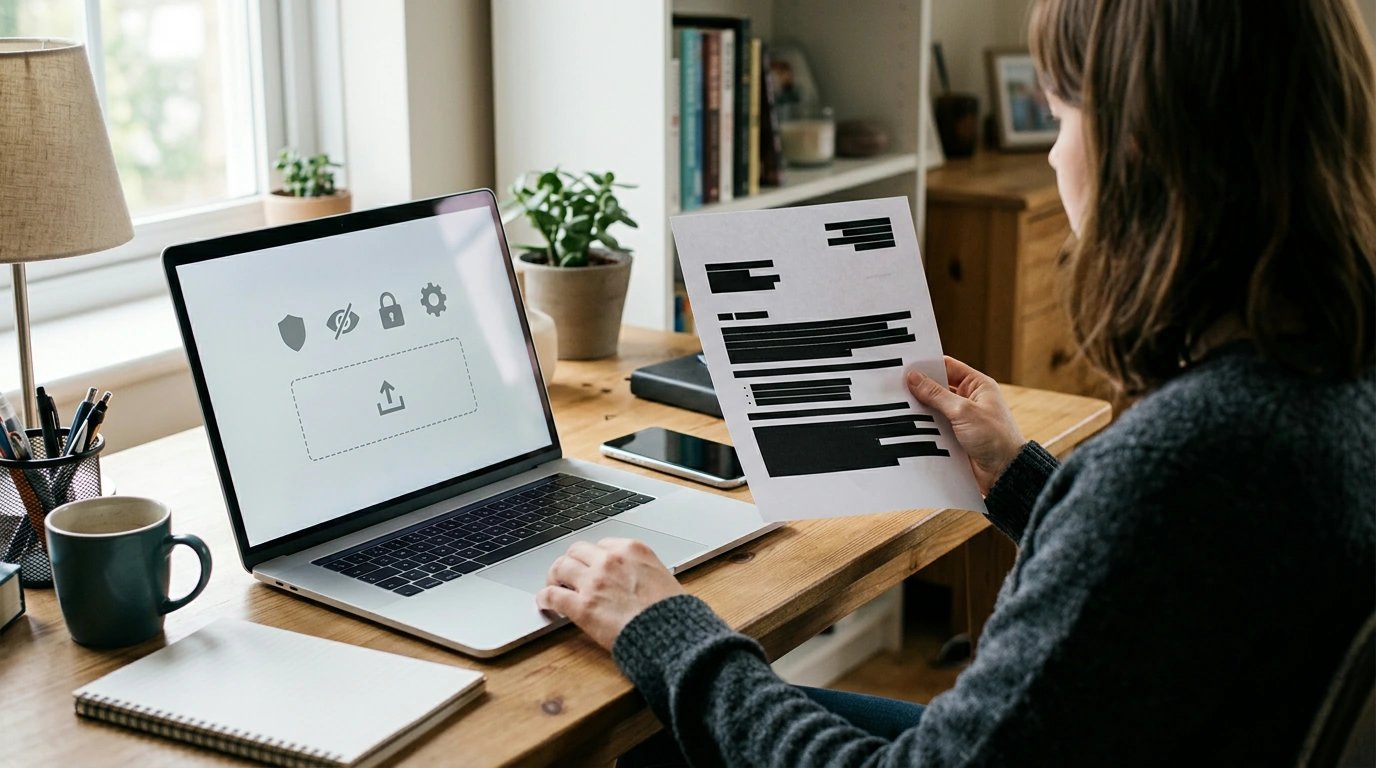
AI tools show up everywhere now—writing assistants, photo editors, voice bots, search, customer support chat, and “smart” features baked into phones and apps. The convenience is real, but so are the everyday risks: oversharing personal data, trusting convincing fakes, and letting AI-connected apps quietly collect more than expected. The good news is that staying safer usually comes down to a few repeatable habits, not technical expertise.
AI security isn’t only about hackers or complex software. It’s about how normal actions—typing a question, uploading a file, approving a permission—can expose data or create opportunities for scams.
Most problems start with one of a few common missteps—often made quickly, under pressure, or out of habit.
A simple routine—done the same way each time—reduces risk without slowing you down.
| What’s being shared | Examples | Lower-risk alternative |
|---|---|---|
| Personally identifying info | Full name + address, ID numbers, face photos | Use initials, general area, blur faces, remove IDs |
| Account or security secrets | Passwords, recovery codes, API keys | Never share; rotate any exposed secrets immediately |
| Work/confidential material | Contracts, source code, internal docs | Use approved enterprise tools or sanitized excerpts |
| Sensitive personal context | Medical details, financial statements | Ask general questions; consult professionals for decisions |
| Media with hidden clues | Screenshots showing notifications, GPS tags | Crop, redact, remove metadata before uploading |
AI makes scams scale faster and look more believable. The best defenses are behavioral: slow down, verify independently, and require a second confirmation for high-stakes actions.
For more on recognizing and resisting manipulation tactics, see CISA’s guidance on avoiding social engineering and phishing attacks and the FTC’s overview of common scams.
If you’re building policies or assessing risk at a higher level, the NIST AI Risk Management Framework (AI RMF 1.0) is a useful reference for thinking through governance and controls.
If a repeatable checklist helps, the Stay Smart in an AI-Powered World digital download guide is built for quick, everyday use: what to check before uploading, how to sanitize requests, and which settings to review—without turning into a technical manual.
AI safety also fits into everyday shopping and home life. If you’re browsing for household essentials or gifts, it helps to keep scam-verification habits in mind before clicking unfamiliar ads or “support” links. You can explore practical items like the Retro Countertop Microwave Oven with Digital Display – 0.7 Cu. Ft., 700W or apparel like Levi’s Men’s Blue Slip-On Jeans with Worn-Out Effect while sticking to trusted sites, strong passwords, and MFA for your accounts.
It depends on the provider’s data handling and your settings, but the safest approach is to minimize personal data and remove identifiers. Avoid sharing highly sensitive information like ID numbers, passwords, recovery codes, or confidential work content.
Use out-of-band verification (call a known number or check an official channel) and require a second confirmation for high-stakes actions. Code words for urgent requests help, and inconsistent context (timing, unusual request, missing shared details) is often a red flag.
Rotate or revoke it immediately, then review account logs and active sessions for anything suspicious. Enable MFA if it isn’t already on, and if it involves workplace credentials or keys, notify the appropriate admin or security contact right away.







Leave a comment