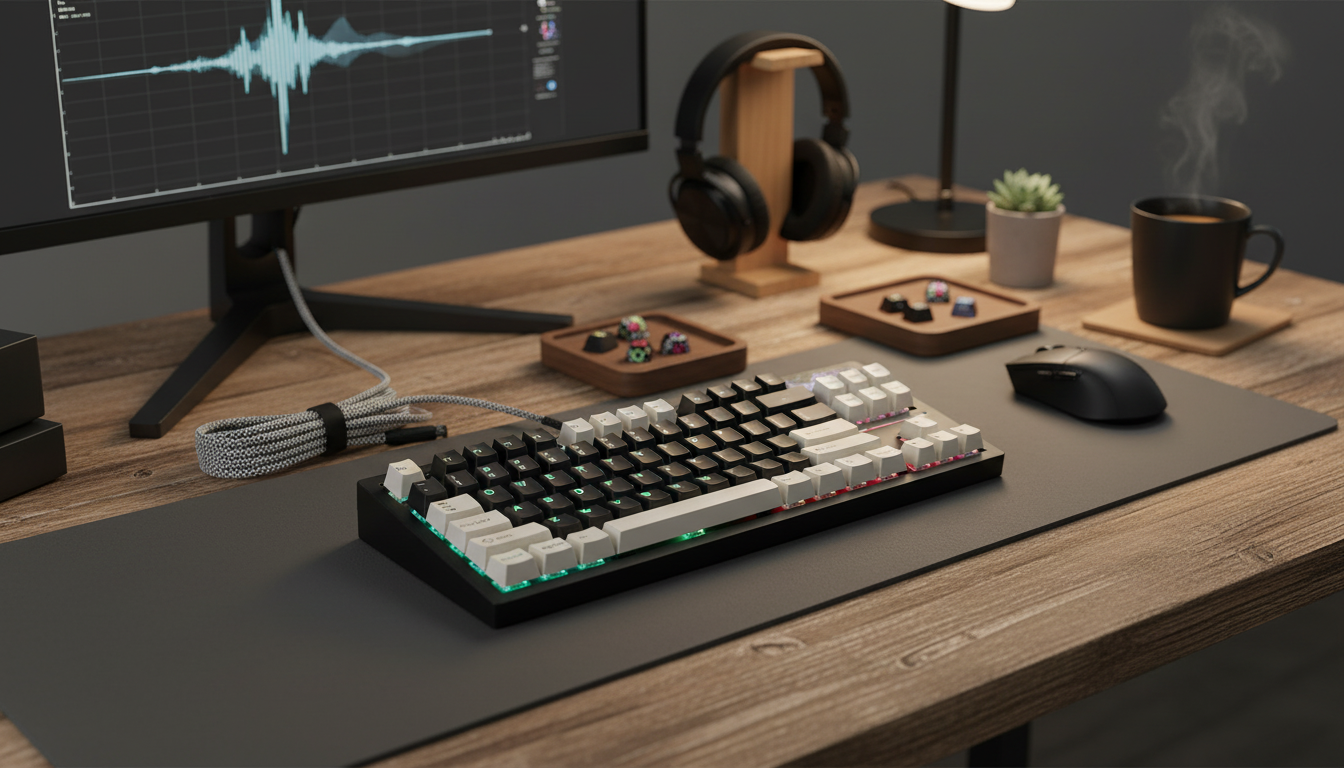
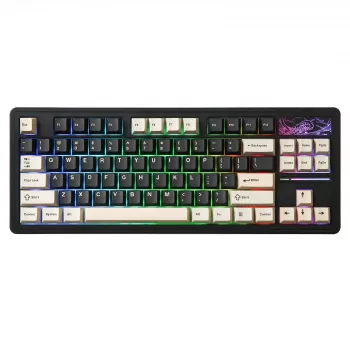
A tenkeyless (TKL) layout keeps the mouse closer and frees desk space, while wireless connectivity reduces cable clutter. This 87-key mechanical gaming keyboard pairs RGB backlighting with hot-swappable switches, making it easier to tune feel, sound, and performance without committing to a single switch type. If you want a compact board that still feels “complete” for games and everyday work, TKL plus hot-swap is one of the most flexible combinations available.
TKL removes the number pad while keeping the parts most people rely on for shortcuts and navigation. That difference is more noticeable in day-to-day comfort than many expect.
For FPS and fast mouse movement, the extra space on the right side can help keep your mouse arm in a more natural position. For office tasks, dedicated arrow keys plus F-keys still cover common workflows like media controls, brightness, app shortcuts, and spreadsheet navigation.
Wireless keyboards are no longer just “for the couch.” A solid wireless implementation can feel immediate during gaming and is especially useful when switching between a desktop and a laptop.
Wireless performance depends on the environment. Nearby USB 3.0 devices, dense Wi‑Fi traffic, and metal desk frames can all affect signal quality. If your board supports Bluetooth, it’s helpful to understand the underlying standard (see the Bluetooth Core Specification) and how your PC’s adapter behaves in real-world conditions. For reliable wired fallback and charging behavior, it also helps to reference official USB documentation from the USB-IF.
Hot-swap sockets let you pull and replace switches without soldering. That means you can try different switch styles, repair a problem key, or build a custom feel over time instead of buying a whole new keyboard.
Before ordering replacement switches, confirm whether the sockets accept 3-pin, 5-pin, or both, and whether the board is designed for MX-style stems. Small compatibility checks upfront prevent bent pins and inconsistent seating later.
RGB isn’t just for looks. It can make legends easier to read in a dim room and can also provide quick cues for modes, layers, or game profiles.
For gaming, many players prefer consistent, lighter presses for rapid movement and repeated actions. For writing and work, tactile feedback can help reduce accidental keypresses. If your keyboard supports N-key rollover/anti-ghosting, it can help ensure multiple simultaneous inputs register as expected; Microsoft provides a general overview of this behavior in its support documentation on keyboards and input.
| Feature | What to Look For | Why It Helps |
|---|---|---|
| Layout | 87-key TKL with dedicated arrows | More mouse space while keeping navigation keys |
| Switch mounting | Hot-swappable sockets (MX-style compatibility if needed) | Swap switches without soldering; easy repairs |
| Wireless mode | Stable connection and easy pairing | Cleaner setup and reliable inputs |
| Wired mode | USB connection for charging/backup | Play/work while charging; fallback reliability |
| Backlighting | RGB with brightness/effect controls | Visibility and personalization |
| Key stability | Low-rattle stabilized larger keys | Better feel for spacebar/enter/shift |
It means the switches can be removed and replaced without soldering. Before buying new switches, confirm the keyboard’s socket and switch compatibility (such as MX-style and whether it supports your switch’s pin type).
TKL is often excellent for gaming because it frees up mouse space and can improve ergonomics while keeping function keys and arrows. A full-size board still makes sense if you rely heavily on the number pad for MMOs, macros, or frequent data entry.
Yes—higher brightness and animated effects typically use more power. Lowering brightness, using a static color, or turning lighting off when not needed can noticeably extend battery life.




Leave a comment